Smart access for
every space
One solution for short lets, offices, shared spaces, retail and managed properties.

The right access for the way you use your space
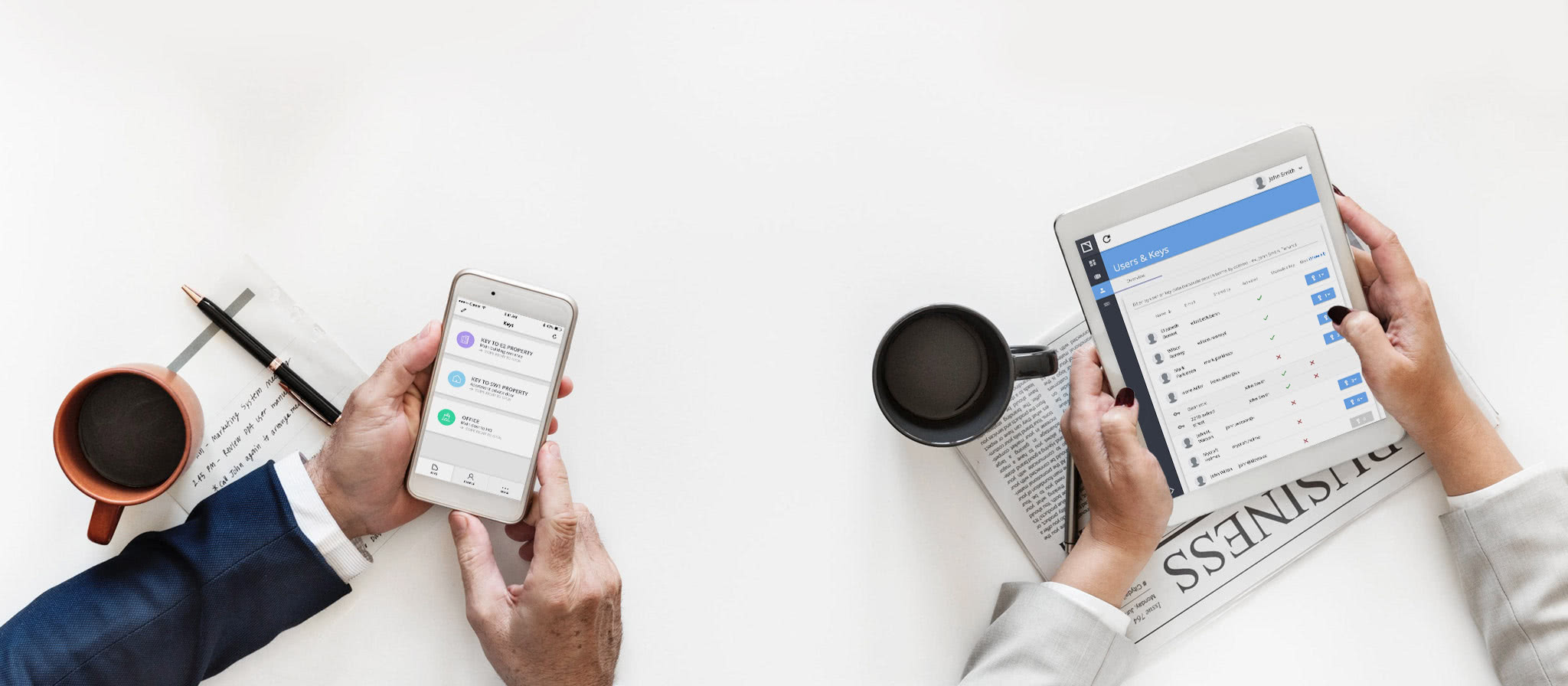
From guest check-ins and employee access to shared amenities and managed properties, Klevio helps you give the right people access when they need it. Share, change or revoke digital keys from one place instead of managing copies of physical keys.
Keyless access control
Remove all the hassles of key management
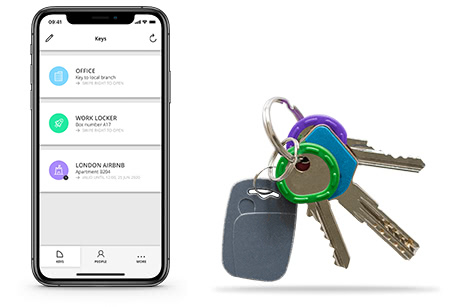
Klevio is a keyless access system that transfers all your keys & fobs to an online account - without changing a single lock:
- there are no physical keys to lose or copy,
- you can unlock doors for people remotely,
- share or revoke keys & monitor access activity.
A 3-part access solution
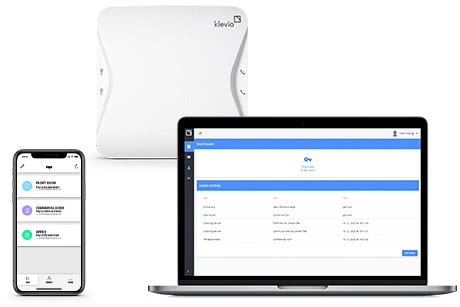
Klevio hardware is installed at your property to enable keyless access.
The Klevio Dashboard is your property management tool with advanced key sharing & monitoring features.
The Klevio Smartphone App is a digital key - a new way of unlocking doors for you, your employees, residents or clients.
Klevio works great with contractors, tenants, last minute check-ins… We’re very happy with it – and with the customer service!
It’s easy to make your life easier
Our experts are here to help. There’s no obligation - just great support so you have all the information you need to make the right decision for you and your business.
Find the right solution for your space
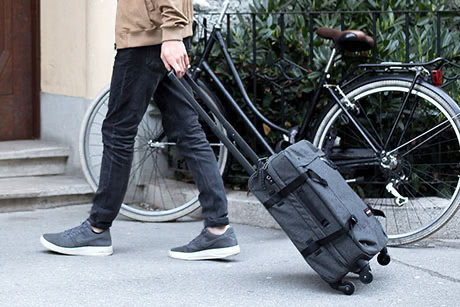
Short term lets
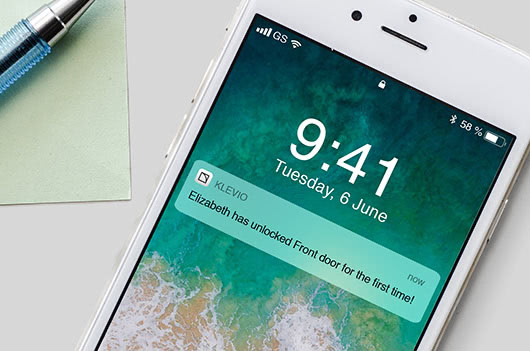
Enable 24/7 check-in for your guests - by sharing digital keys, or just letting them in remotely. You can also issue time-limited keys that only work for the duration of a guest’s stay.
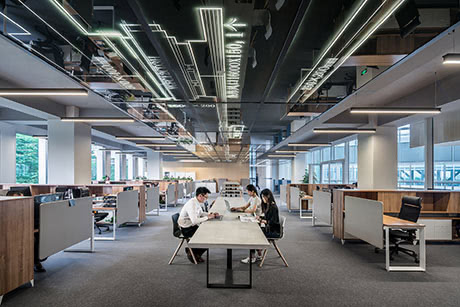
Offices
Share & delegate access more efficiently. If your office is part of a larger building, Klevio can integrate with the existing entry system while any existing cards or fobs will continue working normally.
Shared spaces
Give members, staff and visitors access to the spaces they use. Share and revoke keys in seconds, manage communal doors remotely and keep visibility over access activity.

Commercial & retail
Control access to your units for employees, suppliers and service teams. Time-limited digital keys help you grant access when it is needed, including outside normal opening hours.

Property management
Manage access across your properties without cutting and distributing physical keys. Issue and revoke digital keys remotely, give contractors time-limited access and let people in when plans change.
Everything you need, today & ongoing
Dashboard for property management
Get access to features beyond the Klevio Smartphone App - including bulk user uploads, labelling and App-less Access. See a runthrough of the Dashboard
Share key management privileges
Give your admins the power to manage access to your properties with (re)shareable keys.
App-less Access
Enable people to use Klevio keys without downloading the Klevio App.
Device monitoring
We monitor over 15 health alarms for business package devices & will be in touch if anything goes wrong.
API access for integration
Integrate Klevio with your existing systems, such as your HR system, booking management platform and others.
Live chat & phone support
We provide support for both our clients & their end users via phone or the chat feature available on our website & in the Klevio App.
Hardware add-ons for extra ease
-
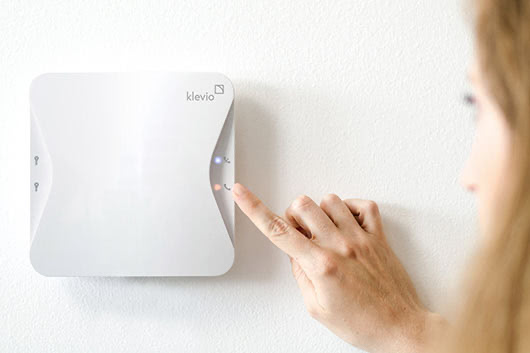
Intercom handset
Your Klevio device can function as a handset as well, enabling you to use Klevio as you would a traditional intercom.
-
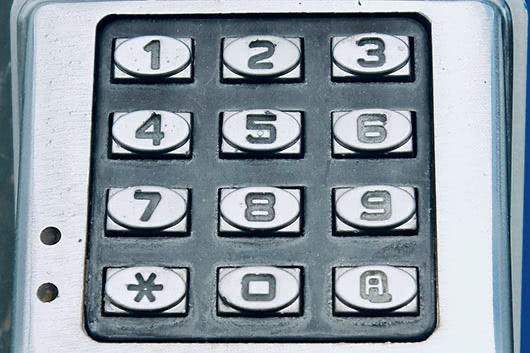
Keypads
Do you have a space you'd like to access with just a simple pin code? Klevio can integrate with a range of keypads, all of which you can control safely from the Klevio Dashboard.
-
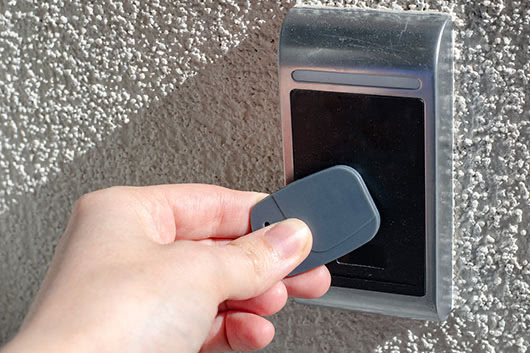
Fob readers
Klevio can also integrate with fob readers, enabling you to designate & track fobs from the Klevio Dashboard.
Additional business features
-
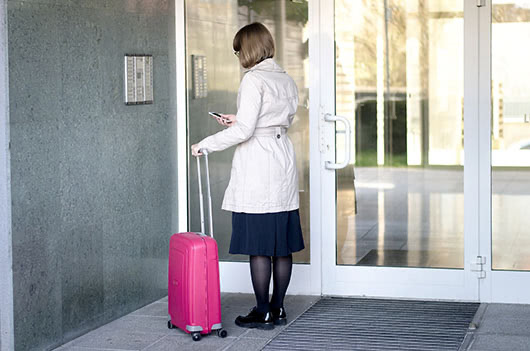
Geo-limited keys
If you need to ensure your keys can only be used close to the lock, you can issue geo-limited keys to some or all users.
-
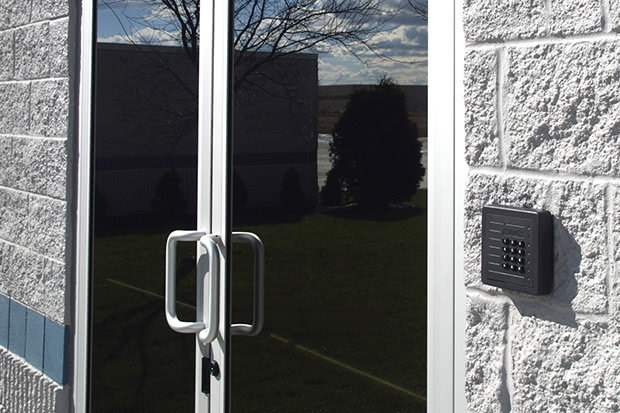
Offline codes
To protect from a potential connectivity issues, you can set offline codes when you have a keypad attached to your Klevio device. These work even when the device is offline.
-
Scheduled events
Schedule a lock event at a specific time to make sure that the doors are locked and can only be accessed with a working key.
-
Reshareable keys
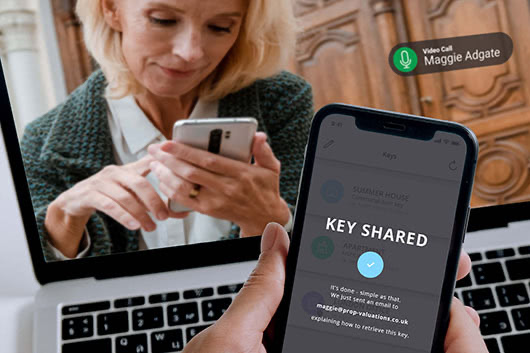
Give users a reshareable key to make them a mini-admin. You can still remove any keys they share and if you remove access to the mini-admin you remove all the keys they shared as well.
A custom approach

Contact us for more information
We can design and install a bespoke network of devices, configured specifically for your setup. Contact our Solutions Team to discuss how Klevio can transform your business.
Organisations of all sizes trust Klevio